
AWTuning
MIB2 App Connect Activation (Apple CarPlay / Android Auto)
MIB2 App Connect Activation (Apple CarPlay / Android Auto)
SKU:
Couldn't load pickup availability
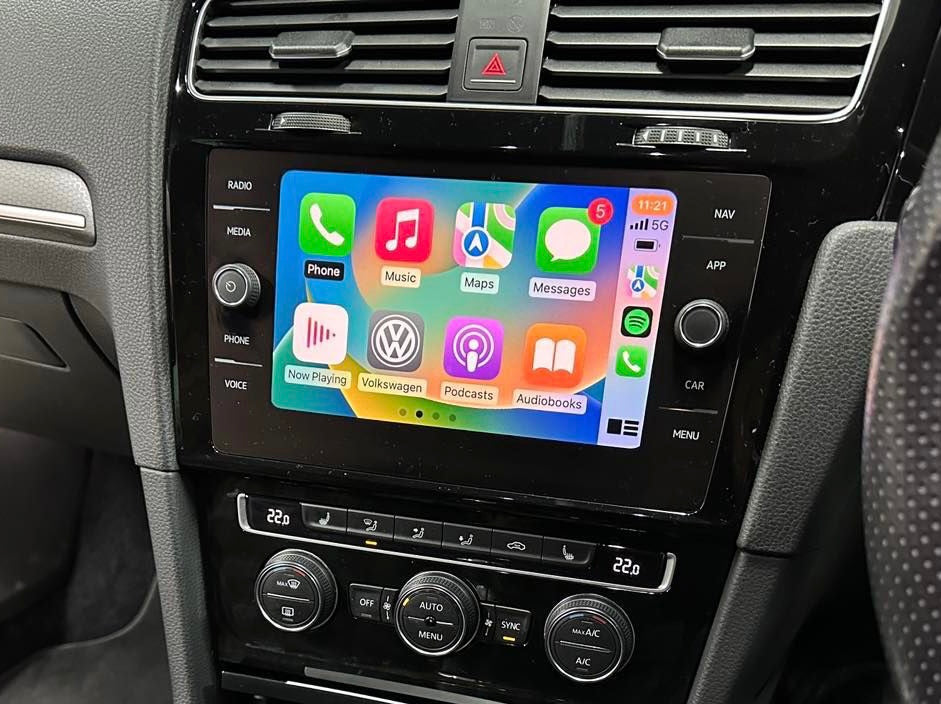
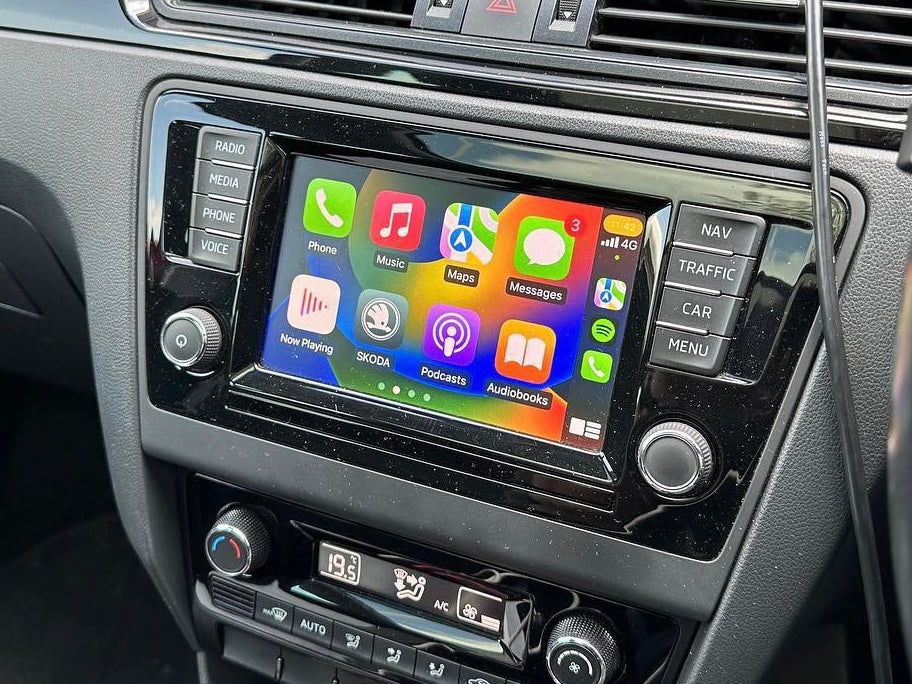
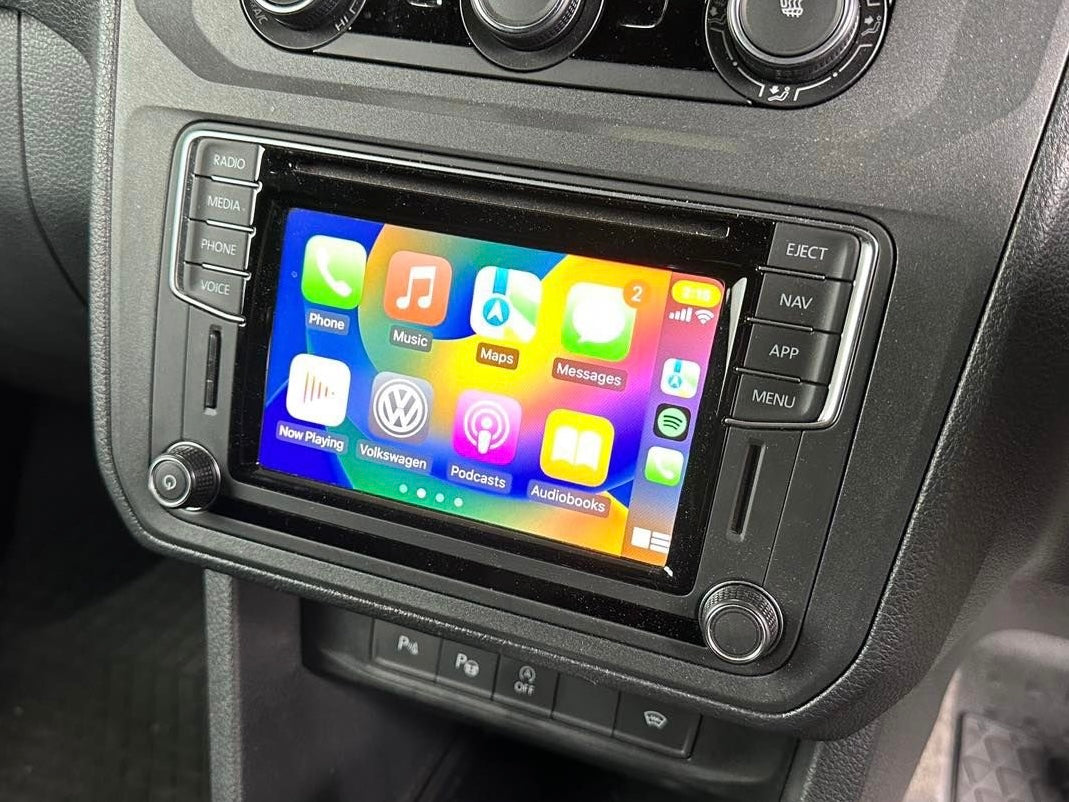
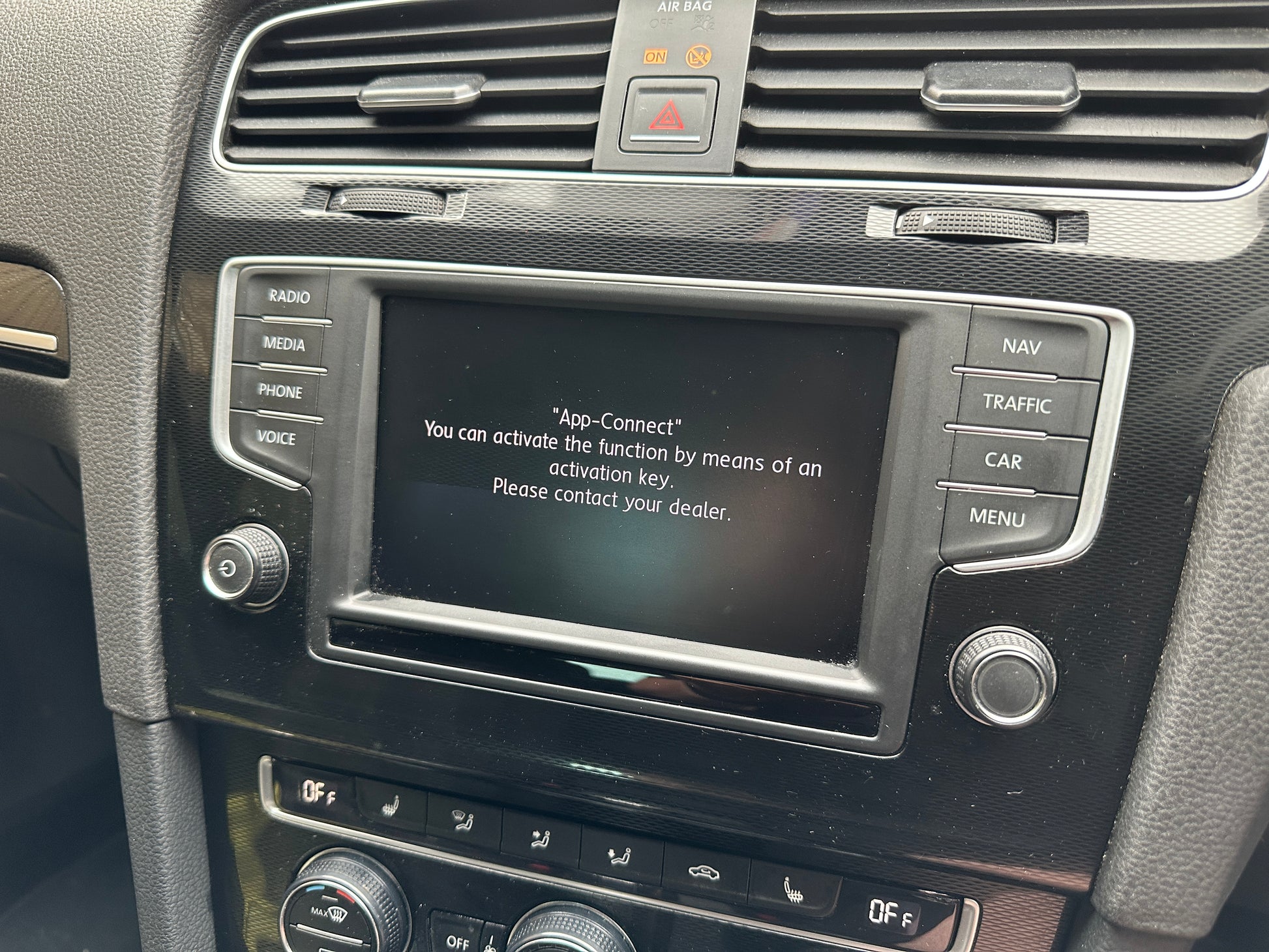
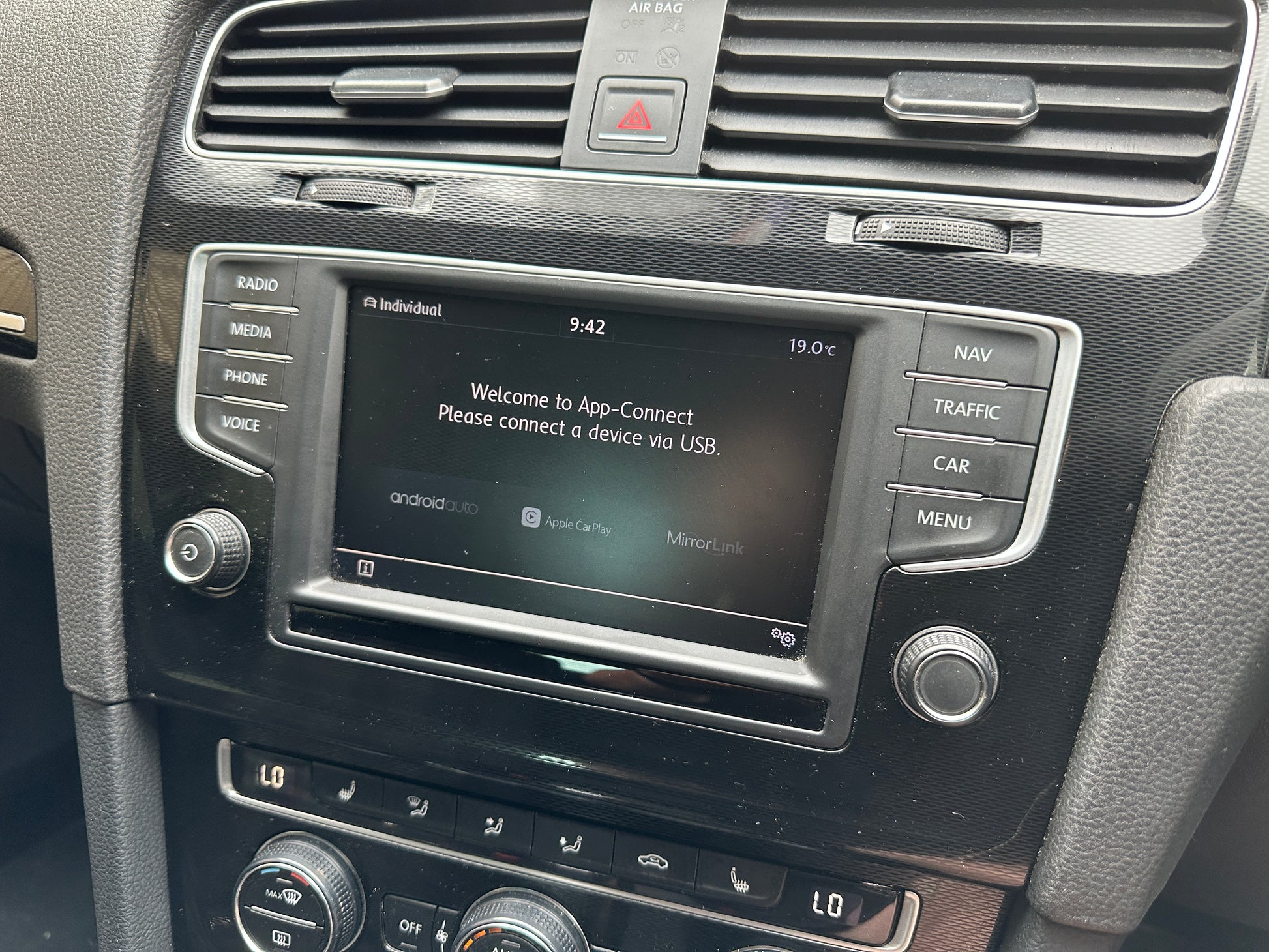
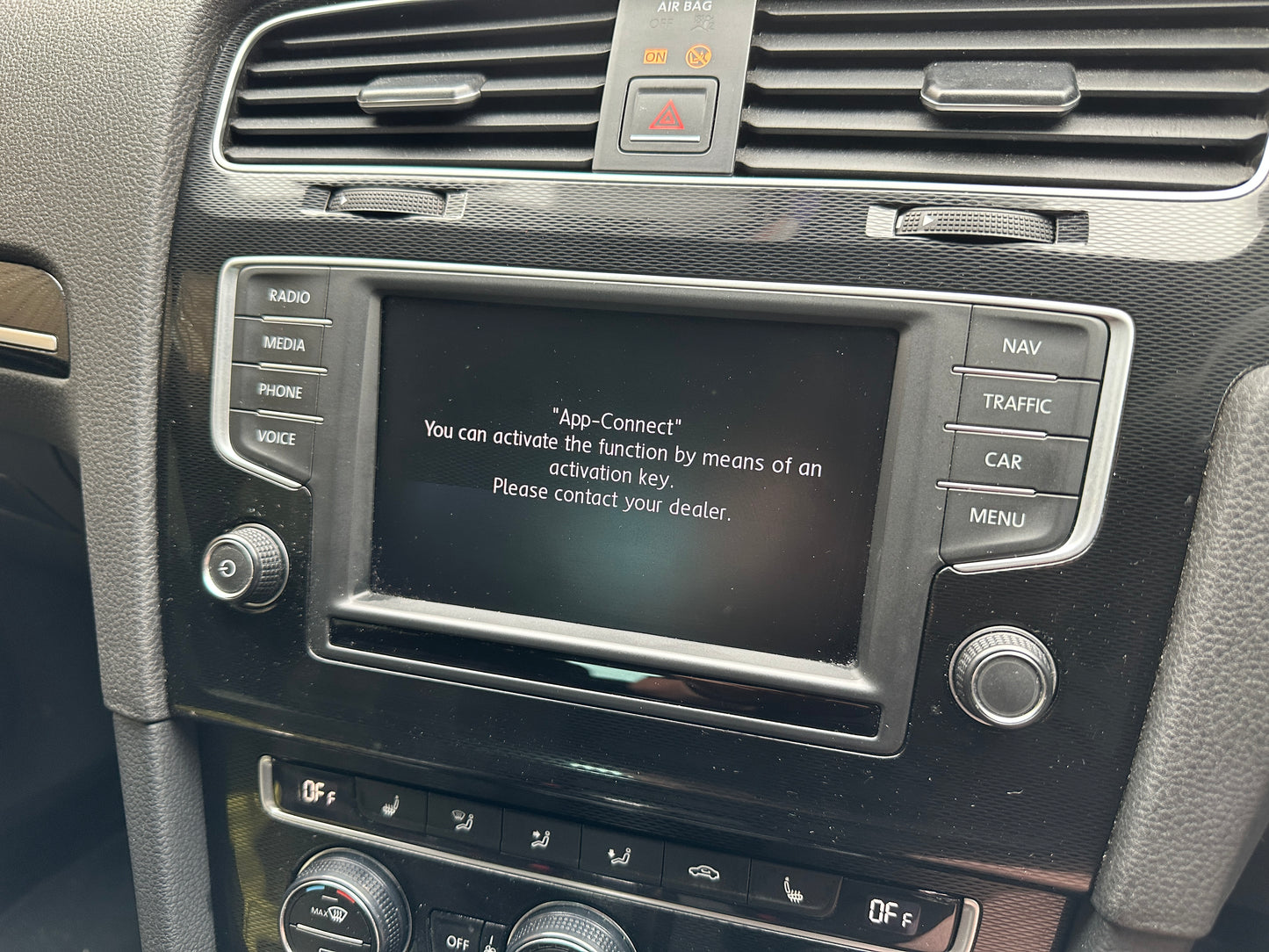
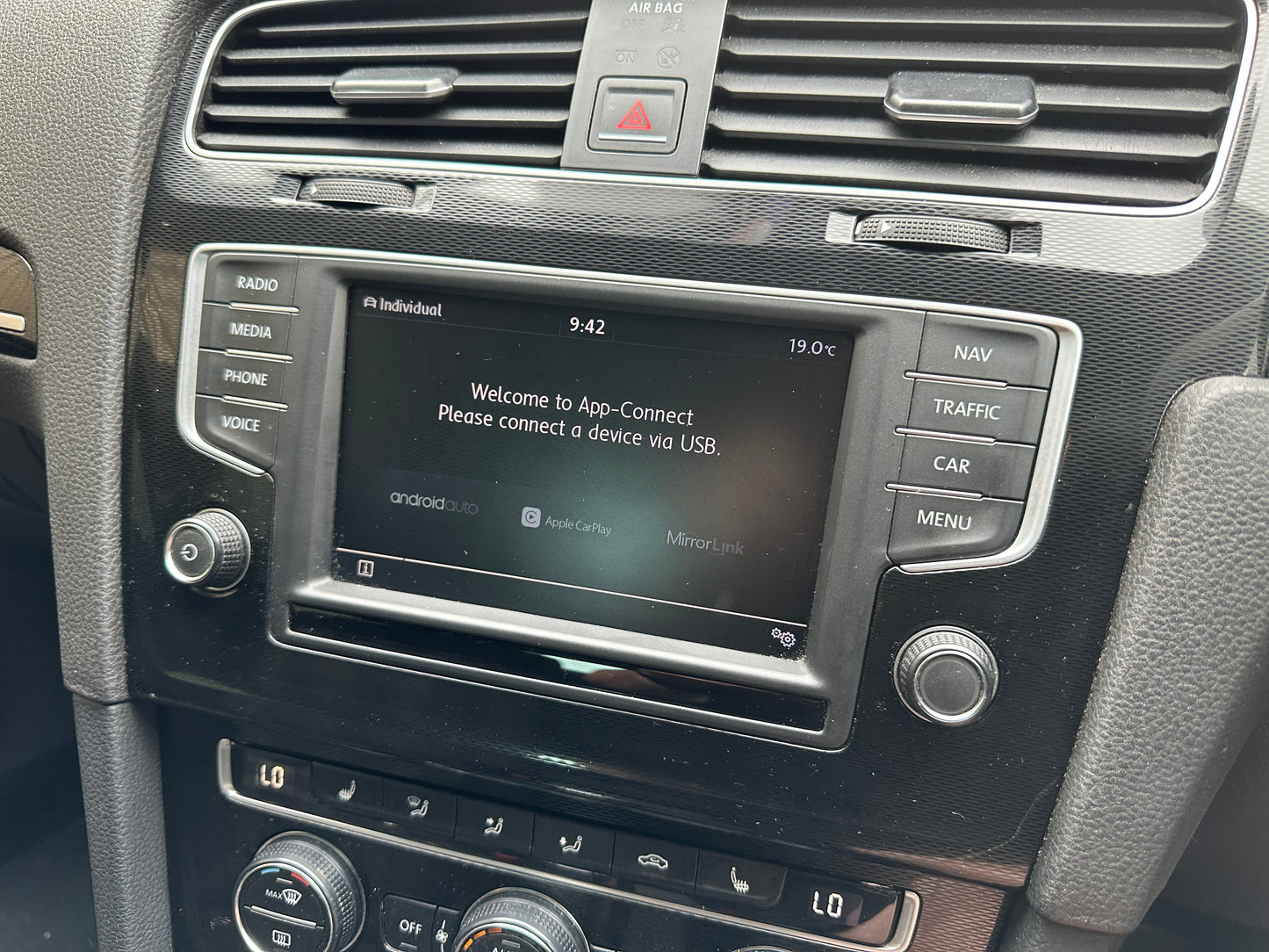
Unlock the full potential of your infotainment system with AWTuning MIB2 App Connect Activation for Apple CarPlay and Android Auto. Seamlessly integrate your smartphone with your dash for factory style access to navigation, music, calls and your favourite apps, all while keeping your focus on the road.
This service is suitable for vehicles fitted with ZR or PQ Technisat units and Delphi units.
Before you order
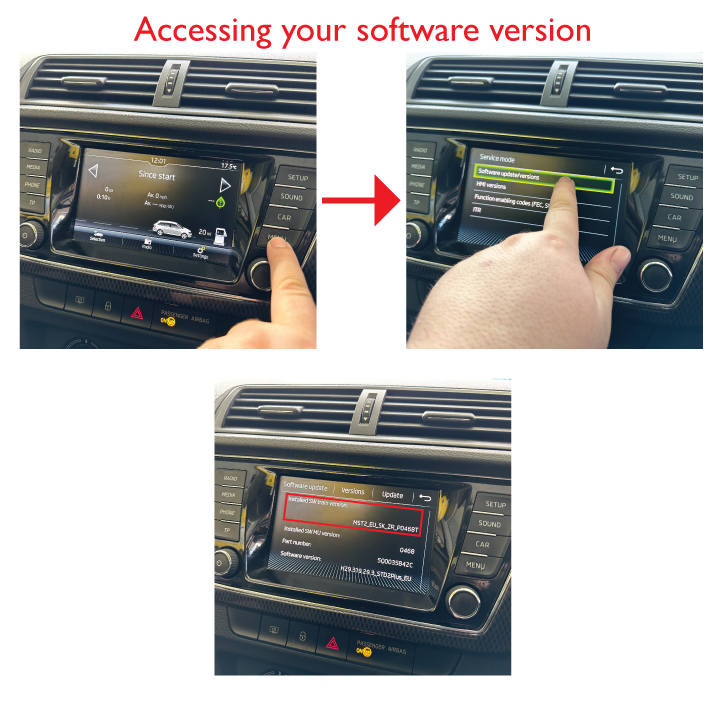
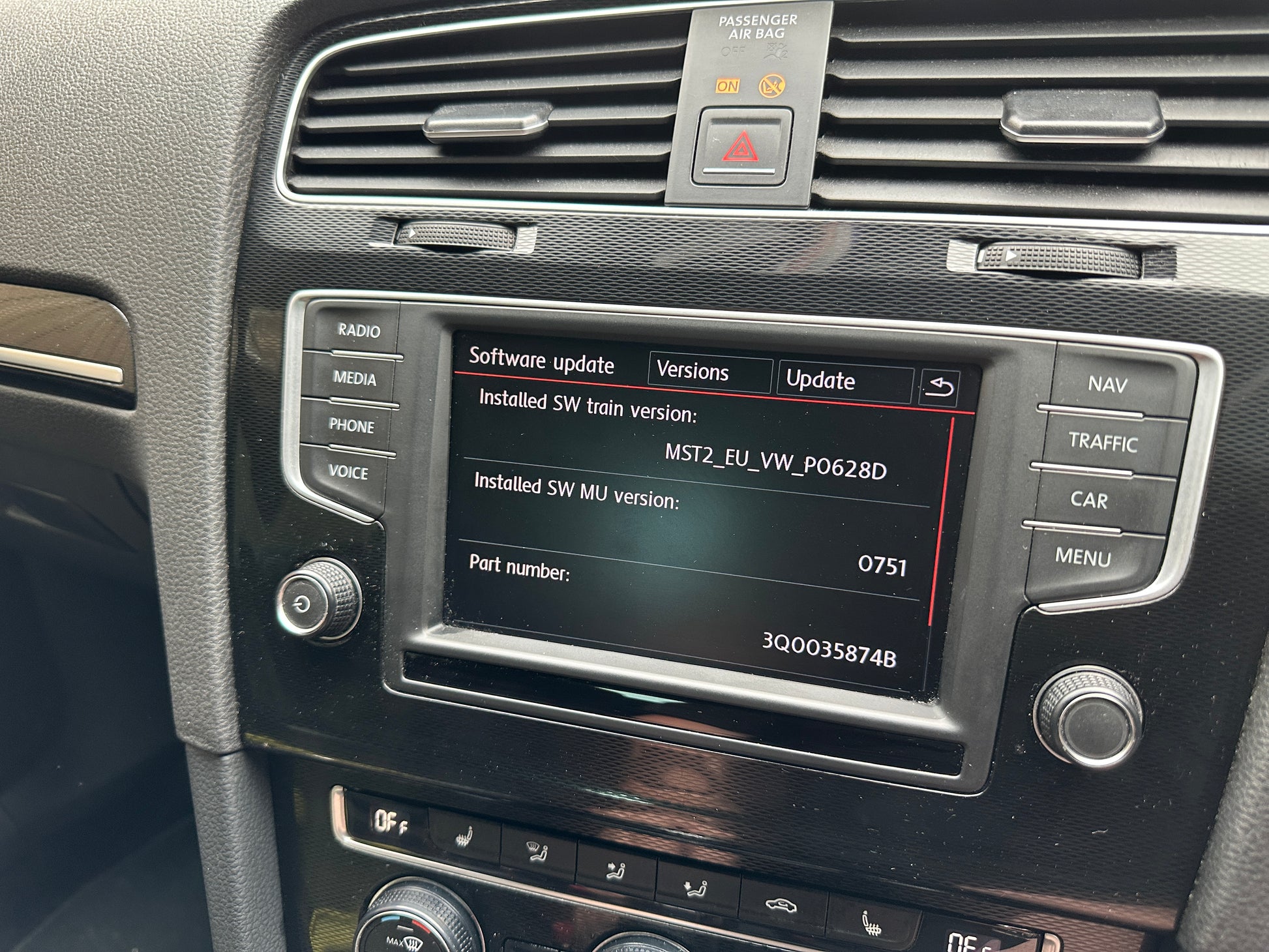
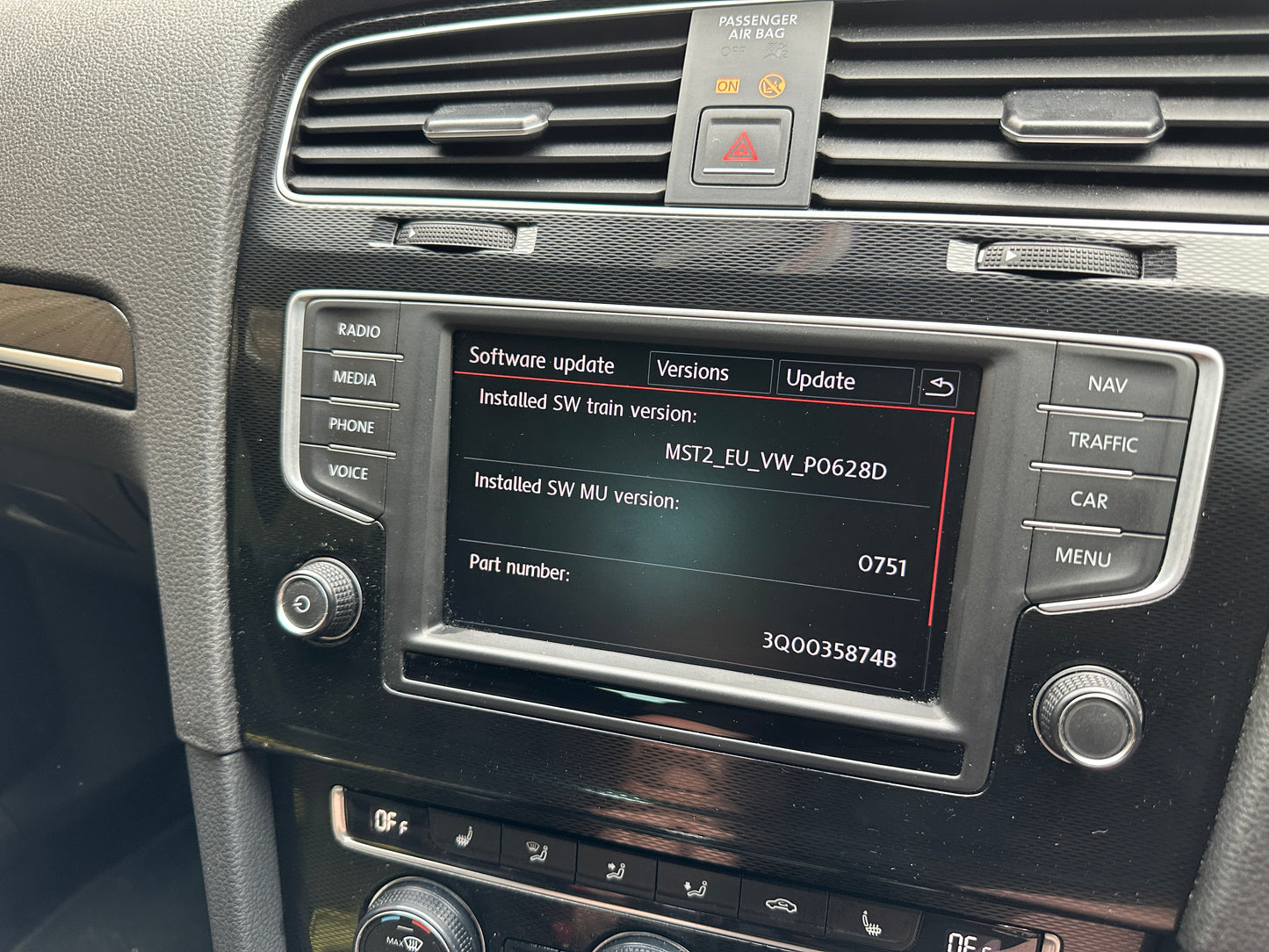
To confirm compatibility, please check which software version your vehicle is running. Press and hold the Menu button, select Software Version or Software Update, then take a clear photo of the screen.
Send the photo to us so we can verify your unit before you place an order.
Contact us
👉 WhatsApp message only
Click here to start a chat
📧 Email sales@awtuning.co.uk
☎️ Prefer to call
You are welcome to call our landline on 020 8300 2450 (option 2).
Please bear in mind that we will still need you to send a photo of your software version, and we will be asking the same questions shown here, so messaging us on WhatsApp is usually faster and easier.
The WhatsApp channel does not receive phone calls.
You will also need a quality SD card with a minimum capacity of 7GB.
Only available for vehicles with factory navigation systems that have two SD card slots.
On some earlier models the USB port may need to be upgraded. Please ensure your USB port part number is 5Q0 035 726 E.
Phone connection support
At AWTuning we always want your new setup to work perfectly.
Due to the wide range of devices and software versions, we no longer provide setup support for Android phones. Android connection must be configured by the customer on their own device.
iPhone users
We are happy to assist with iPhone connection at the time of installation. This usually takes less than thirty seconds.
How it works
Remote, download option
We supply the activation files for you to load onto an SD card. You then perform a software update on your unit to activate App Connect. On some vehicles you will also need to carry out coding using VCDS or similar tools.
Remote, SD cards supplied
We supply two SD cards pre loaded with the correct software for your vehicle. Simply follow the instructions to update and activate App Connect. Dispatch time for SD cards is up to 2 business days. Some vehicles may still require coding using VCDS or similar.
In house at our workshop
Prefer us to handle everything for you Visit the AWTuning workshop in Kent on the border of London. Relax in our waiting area or at one of the nearby cafes while our technicians carry out the activation and checks on your vehicle.
Refunds and important information
Once an order has been processed there are no refunds, because the files are permanently locked to your vehicle VIN.
Do not attempt to use these files on a different car or head unit. Doing so can cause the head unit to become permanently inoperative.
Please note that unless the item is listed as in stock, this is likely an item sent direct from manufacturer thus classed as a special order item. Whilst this does not normally effect delivery times, if you would like an up to date delivery estimate please contact us
View full details
| Confirmed Applications | ||||||
| Audi | Seat | Skoda | Volkswagen | BMW | Mini | Toyota |
|
Leon MK3 (5F) |
Fabia MK3 (NJ) Octavia MK3 (5E) |
Amarok Arteon Golf MK7 Passat B8 Polo 6R/6C Tiguan MK2 T-Roc |
||||